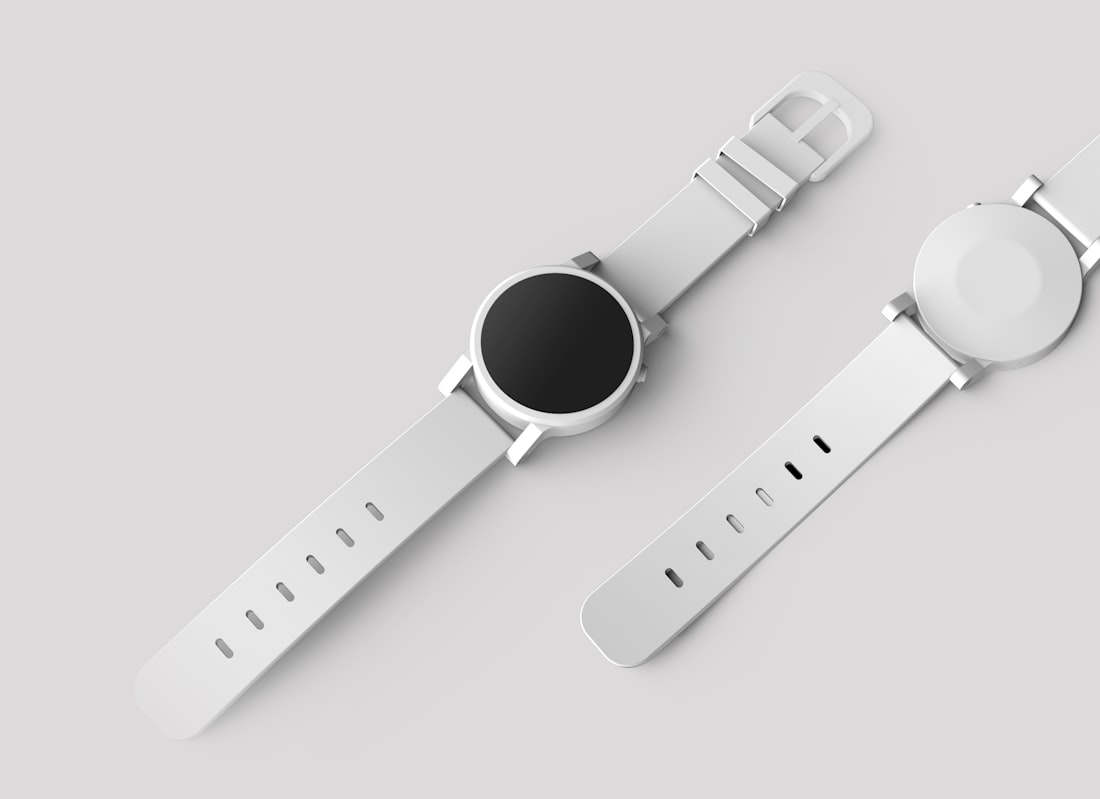
Before
After 4x
Product Detail
Turn a small product photo into a cleaner asset for catalog thumbnails, landing pages, and advertising layouts.
productecommercecatalog4x
Sign in to upscale
Choose output detail
High-resolution output
Free Tools
Upload a JPG, PNG, or WebP image and enhance it up to 2x, 4x, or 8x. Use one free 2x upscale each day, or spend credits for larger outputs.
Use it for product images, portraits, old exports, social posts, design previews, and AI images that need more usable detail. Clean source images work best, and the 20,000 px output limit protects extremely large files from failing.
Logged-in users can try one 2x upscale per day
Supports JPG, PNG, and WebP images
Choose 2x, 4x, or 8x depending on output needs
Provider limit for longest side after scaling
Examples
Use the same composition, then recover sharper edges and more usable detail for commerce, portraits, and creative assets.
Product Detail
Turn a small product photo into a cleaner asset for catalog thumbnails, landing pages, and advertising layouts.

Portrait Cleanup
Improve portrait clarity for avatars, profile pages, editorials, and social content without changing the pose.
Creative Asset
Recover more visible texture in AI images, mockups, and design previews before exporting final assets.
Features
The controls stay focused: choose the image, select the scale, generate, preview, and download.
Signed-in users get one 2x upscale each day, which is useful for testing quality before spending credits.
Pick 2x for quick cleanup, 4x for sharper publishing assets, or 8x when you need the largest detail boost.
Upload a local image through KIE's temporary file service, or paste a public URL when your image is already online.
Completed results are stored for history and downloaded through ImageFX so the file saves directly to your device.
Workflow
A short path for turning small or soft images into more usable high-resolution assets.
FAQ
Everything important about using ImageFX AI Image Upscaler.
Yes. Signed-in users can upscale one image at 2x for free every day. After the daily free 2x use, 2x costs 10 credits, 4x costs 20 credits, and 8x costs 40 credits.
AI Image Upscaler enhances the resolution and clarity of your image. Upload an image or paste an image URL, then AI analyzes edges, texture, and detail to enlarge the image while preserving the original subject and composition.
It is useful for improving old photos, low-resolution exports, product photos, portraits, AI-generated images, website assets, print previews, social posts, and professional presentations that need clearer visual detail.
Clear source images with minimal compression work best. Photos, product images, portraits, digital art, illustrations, scanned documents, and AI images can all benefit, but very blurry or heavily compressed images may produce softer results.
You can choose 2x, 4x, or 8x. The provider allows output up to a 20,000 px longest side, so very large source images may need a smaller scale to avoid exceeding the limit.
Upload mode supports JPG, PNG, and WebP images up to 10MB. You can also use a public http(s) image URL instead of uploading a local file.
Currently, ImageFX processes one upscaler task at a time per user. This keeps each image stable and avoids accidental high-cost batch usage, especially for 4x and 8x jobs.
Start with the clearest source image available, avoid tiny screenshots and heavy compression when possible, choose 2x for light cleanup, 4x for publishing assets, and 8x only when the source image has enough detail to recover.