Launch Offer - Save 50%
Upgrade

Flux 3 AI Image Generator

Create product photos, illustrated scenes and campaign artwork from text. Bring reference images to explore new settings, lighting and typography with Flux 3 Klein.

Flux

Model

Flux 3 Klein

1K

610/5000

Aspect ratio
Resolution
Images
Advanced

ResultExample preview

Studio product photography

A clean e-commerce image concept: soft studio light, a textured ceramic surface and white space around the product.

From a text promptFlux 3 examples

Flux 3 examples

From a clean product shot to a reimagined scene: explore six creative directions, with the original prompts and reference images.

KIE playground examples

Studio product photography

Text to Image
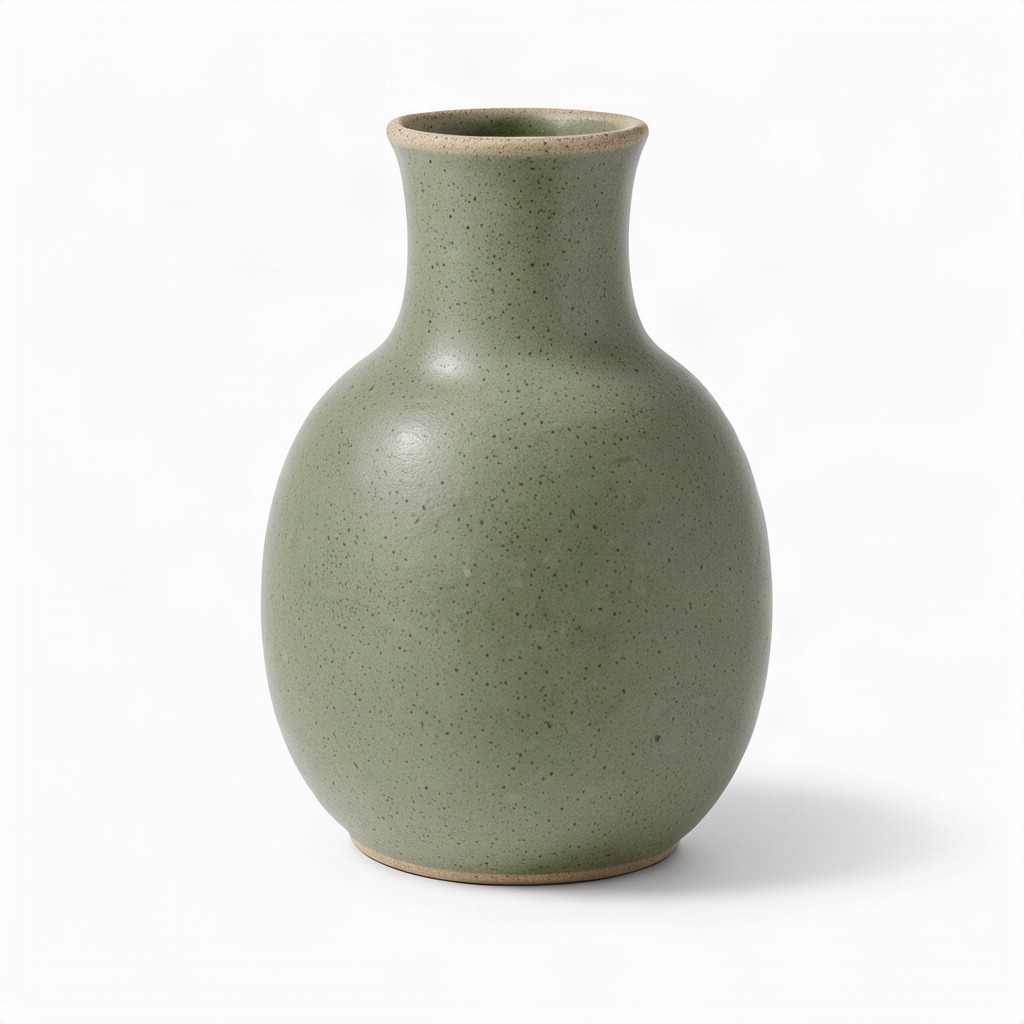
Studio product photography

A clean e-commerce image concept: soft studio light, a textured ceramic surface and white space around the product.

Prompt · 1:1 · 1K

A studio product photograph of a matte ceramic vase for an online store listing, centered and fully visible on a seamless pure white background. The vase has a rounded body that tapers into a slim neck, a soft sage-green glaze with a fine speckled texture, and a thin unglazed rim showing the pale clay underneath. Large softbox light from the upper left gives gentle highlights along the curve and reveals the matte surface, while a soft natural shadow falls beneath it. Clean e-commerce lighting, crisp focus from top to base, generous white space around the product. No text, logos, labels or other objects.
Rainy cafe on film

Text to Image
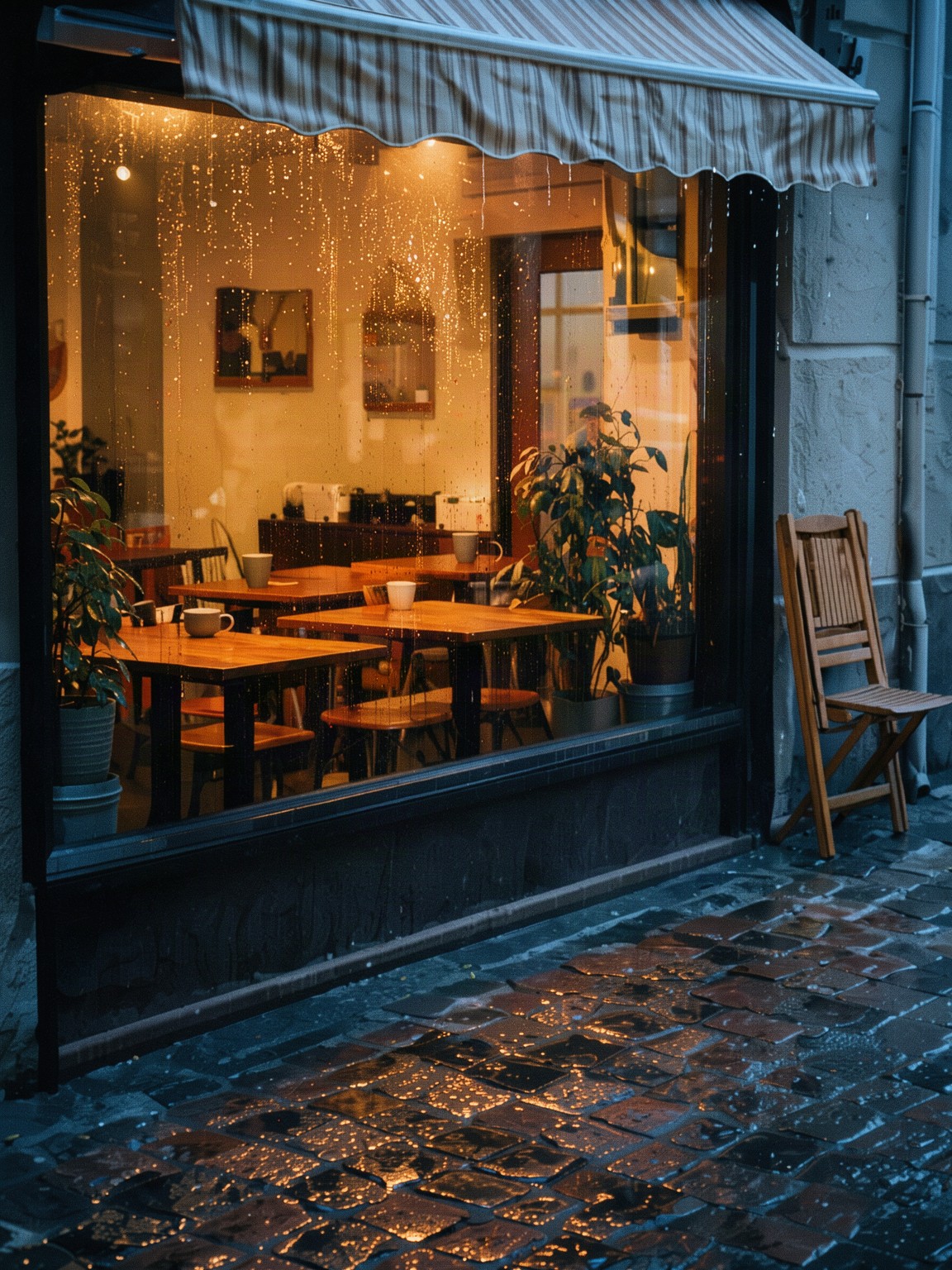
Rainy cafe on film

A vertical editorial scene with rain reflections, warm window light and a film-inspired atmosphere for visual storytelling.

Prompt · 3:4 · 2K

A small corner cafe just after an evening rain shower, seen from across a quiet street. Warm light glows through the large front window, where empty wooden tables, a few ceramic cups and potted plants sit inside; raindrops still bead on the glass and the wet cobblestone pavement reflects the amber light and a pale blue dusk sky. A folded cafe chair leans against the wall beside a striped awning dripping water. Analog 35mm film photograph on warm color negative film, soft natural light, gentle film grain, slightly faded warm tones, muted greens, creamy highlights, honest documentary look, vertical frame. No people, no text, no signage, no lettering, no logos.

Seaside illustration

Text to Image
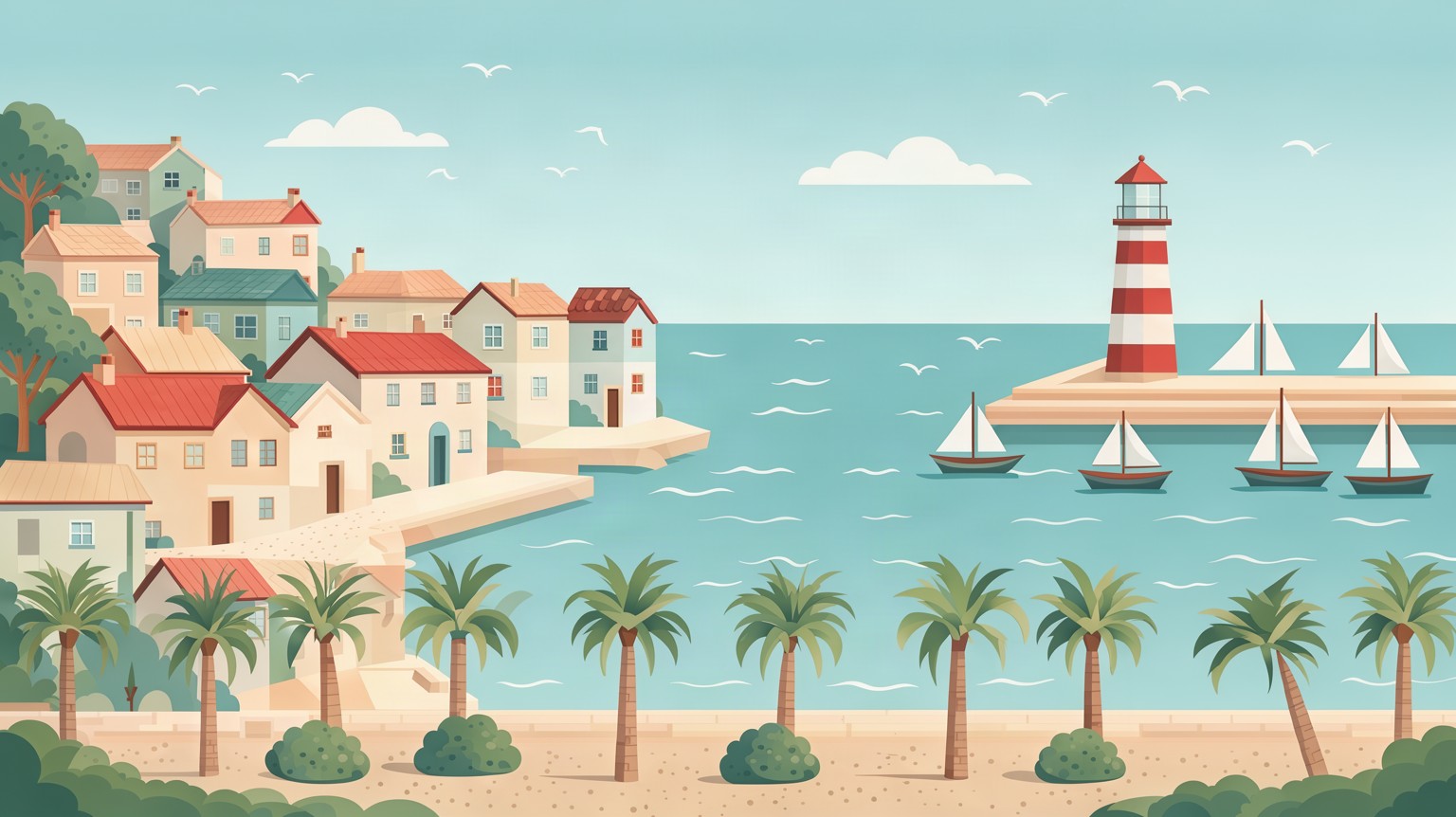
Seaside illustration

A wide coastal illustration for a header, travel concept or storyboard. The flat illustration style is delivered as a PNG, not an editable vector file.

Prompt · 16:9 · 2K

Flat vector illustration of a small seaside town on a sunny afternoon, wide 16:9 composition built from clean geometric shapes and layered parallax planes. Pastel houses with tiled roofs climb a gentle hill on the left, a harbor with small sailboats and a red-and-white lighthouse sits on the right, and a waterfront promenade with palm trees and round bushes runs along the bottom. Calm turquoise sea with simple wave lines, a few rounded clouds in a soft blue sky, seagulls as tiny flat shapes. Muted, harmonious palette of teal, coral, sand and cream, soft ambient shading, no outlines. No people, no text, no lettering, no logos.

A product in a new setting

Image to Image

Reference

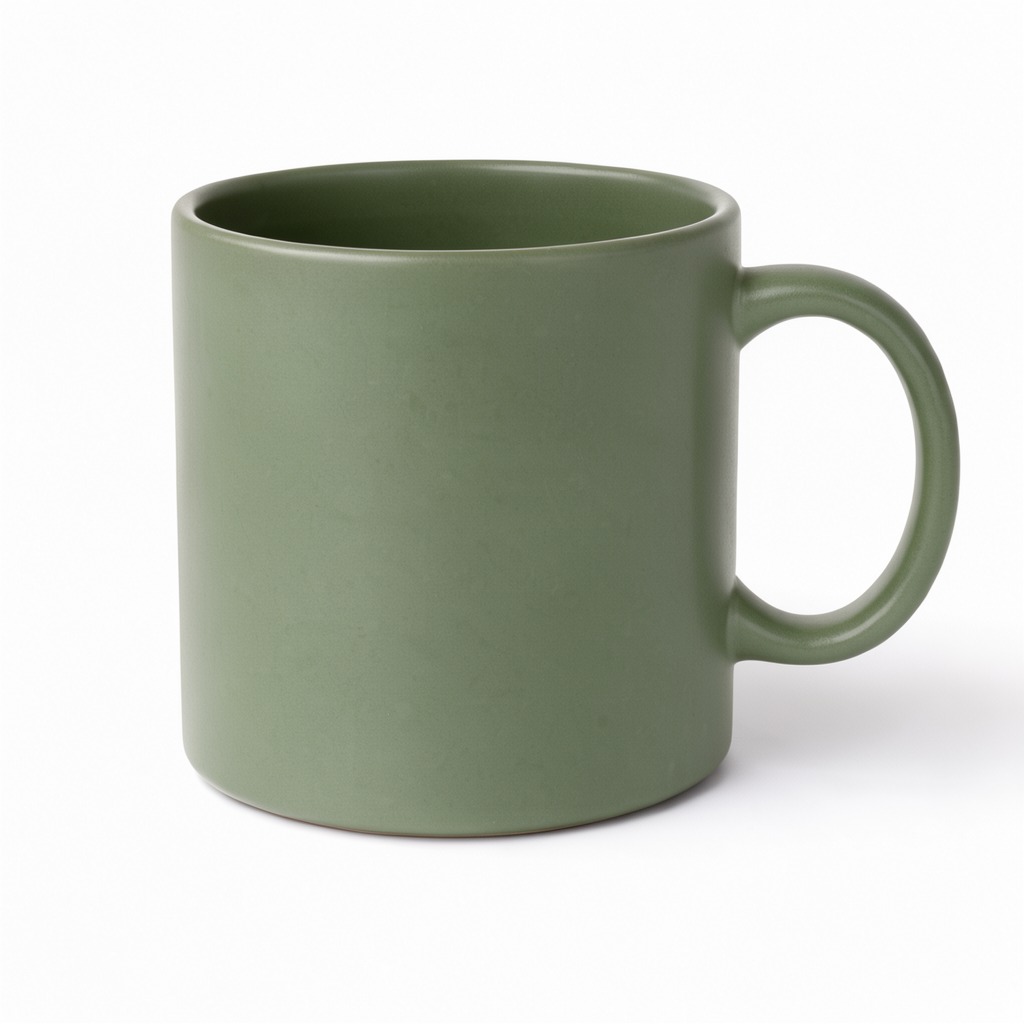
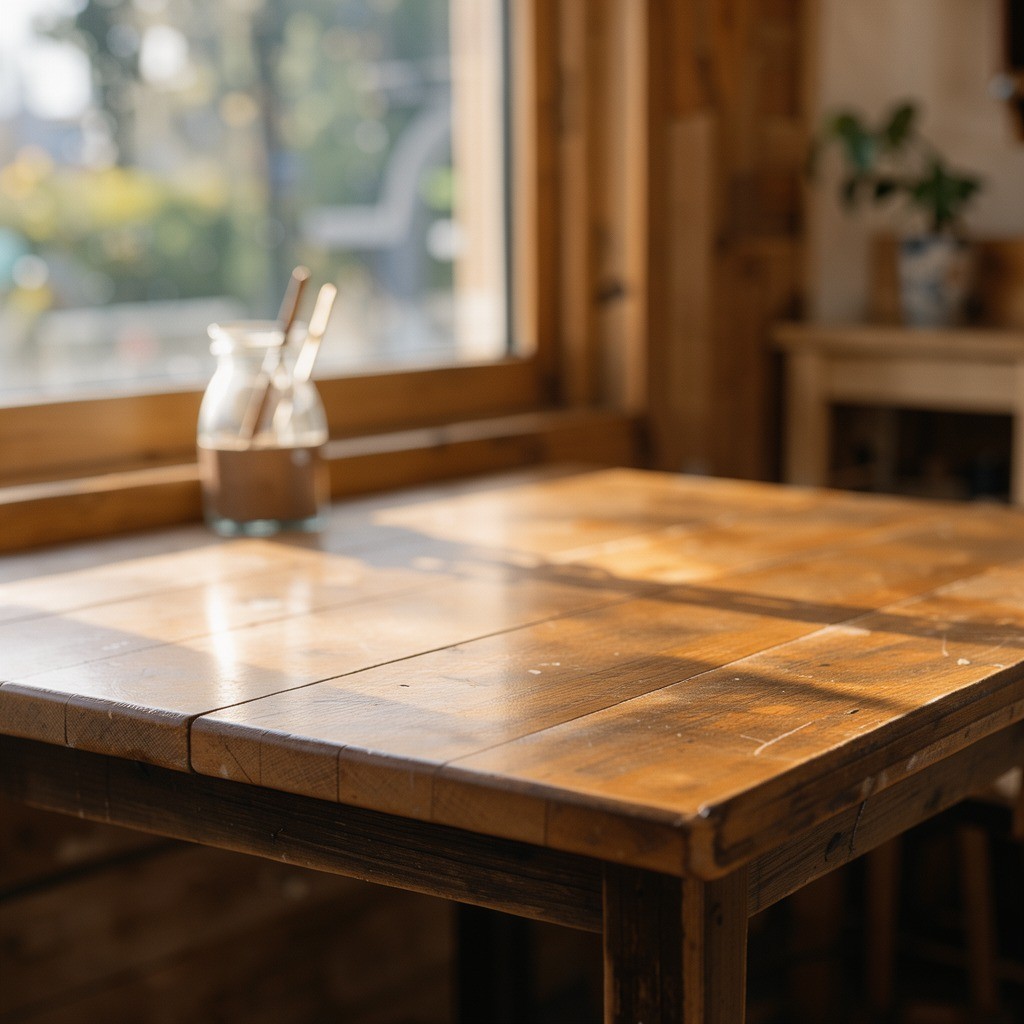
A product in a new setting · Reference 1A product in a new setting · Reference 2

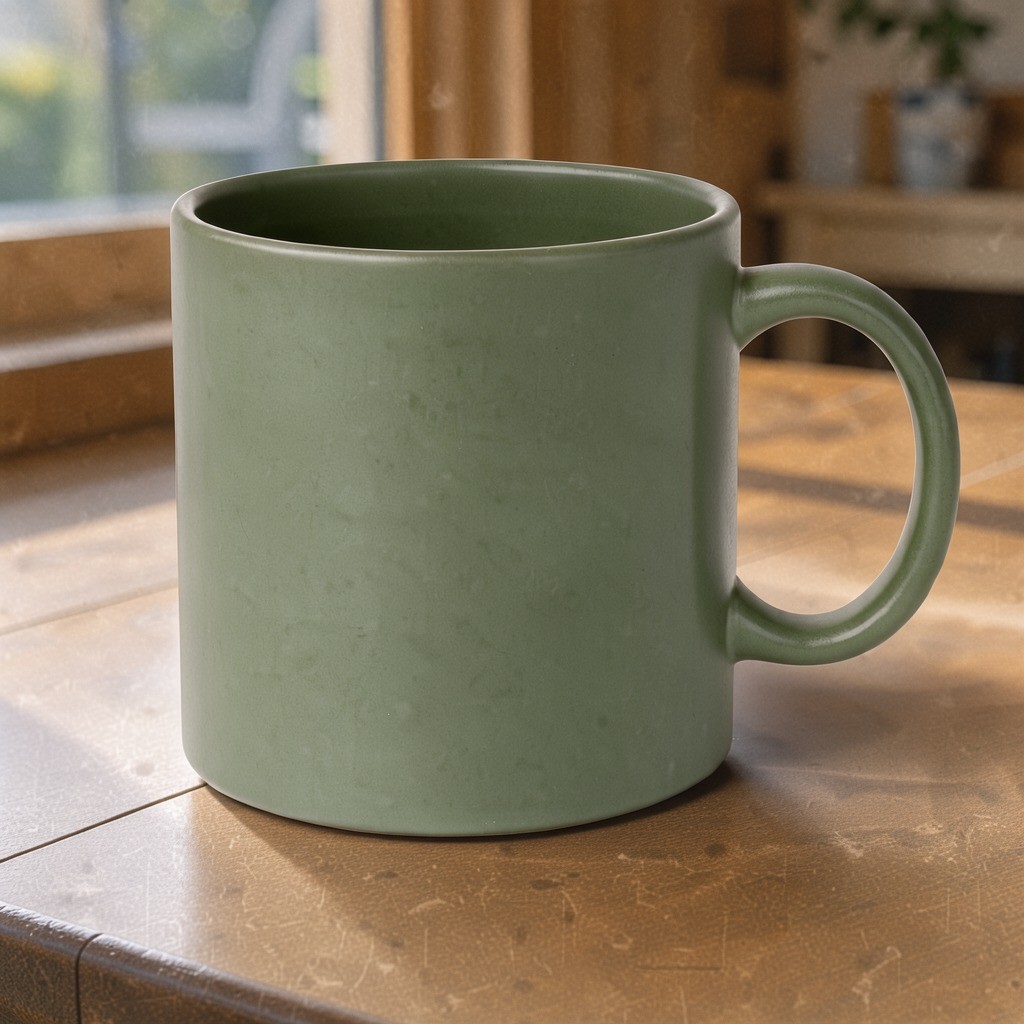
Output

A product in a new setting

Combine a product reference with a separate setting. This example brings the mug onto a new table with matching morning light and a soft shadow.

Prompt · 1:1 · 1K

Place the mug from the first image on the table from the second image, keep the mug's color and shape, match the morning light and add a soft shadow

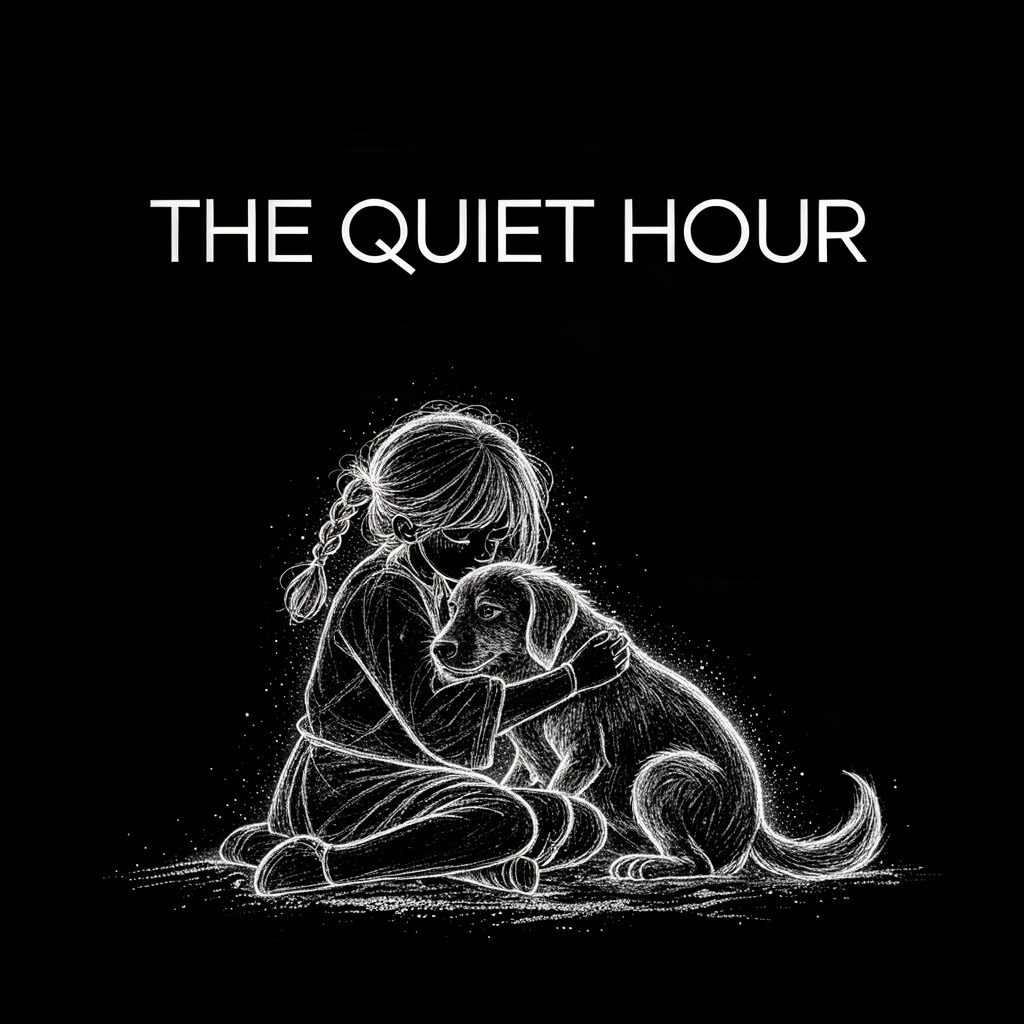
Typography on artwork

Image to Image

Reference

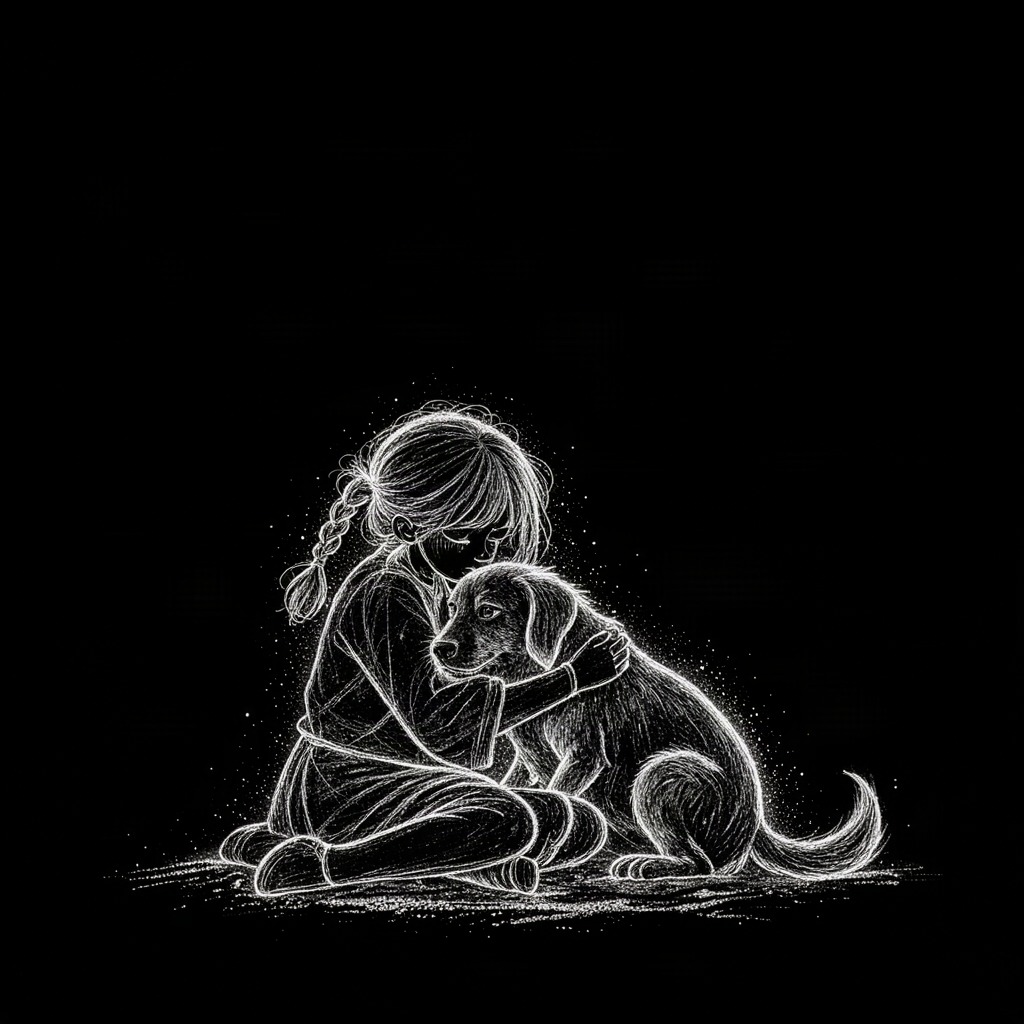
Typography on artwork · Reference 1

Output

Typography on artwork

Explore a title treatment on existing artwork. The prompt requests a specific headline; review the generated lettering before publication.

Prompt · 1:1 · 1K

Add the title "THE QUIET HOUR" at the top in clean white sans-serif, keep the artwork unchanged

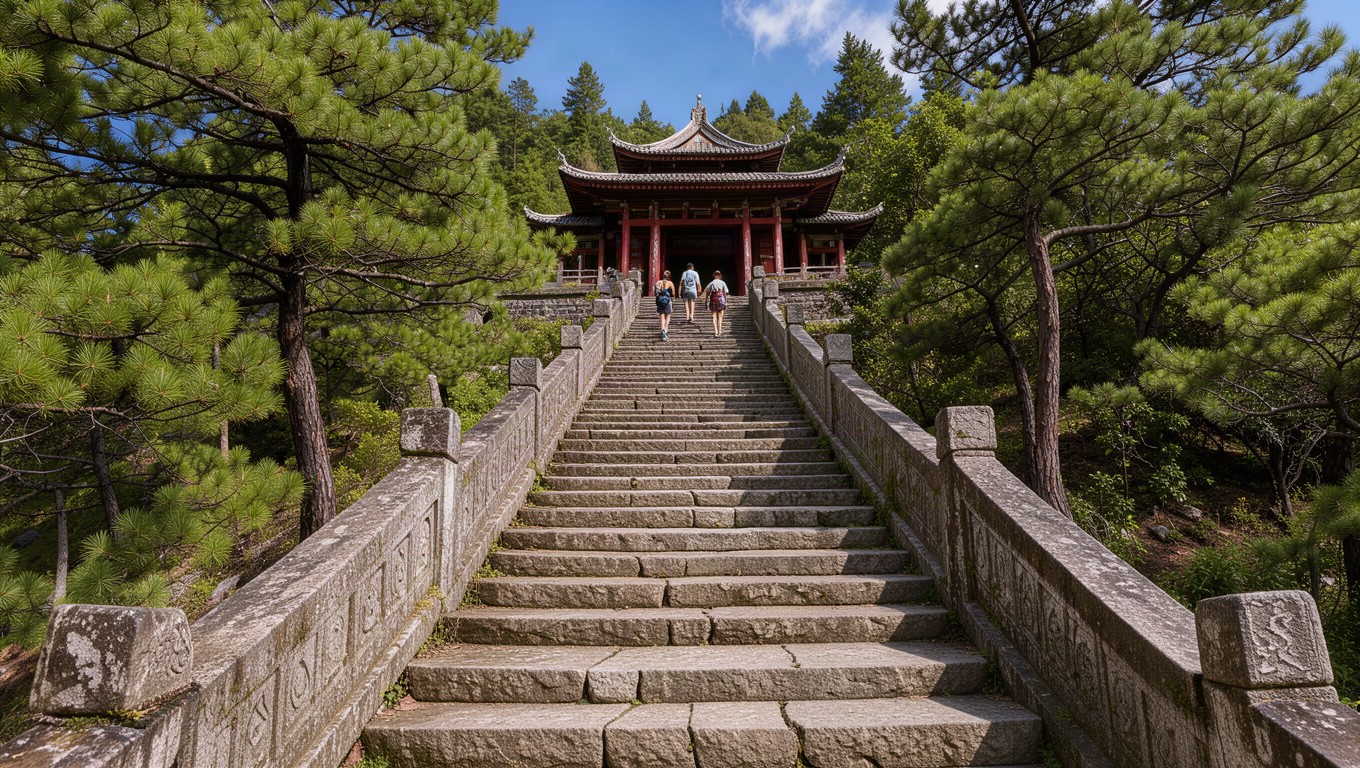
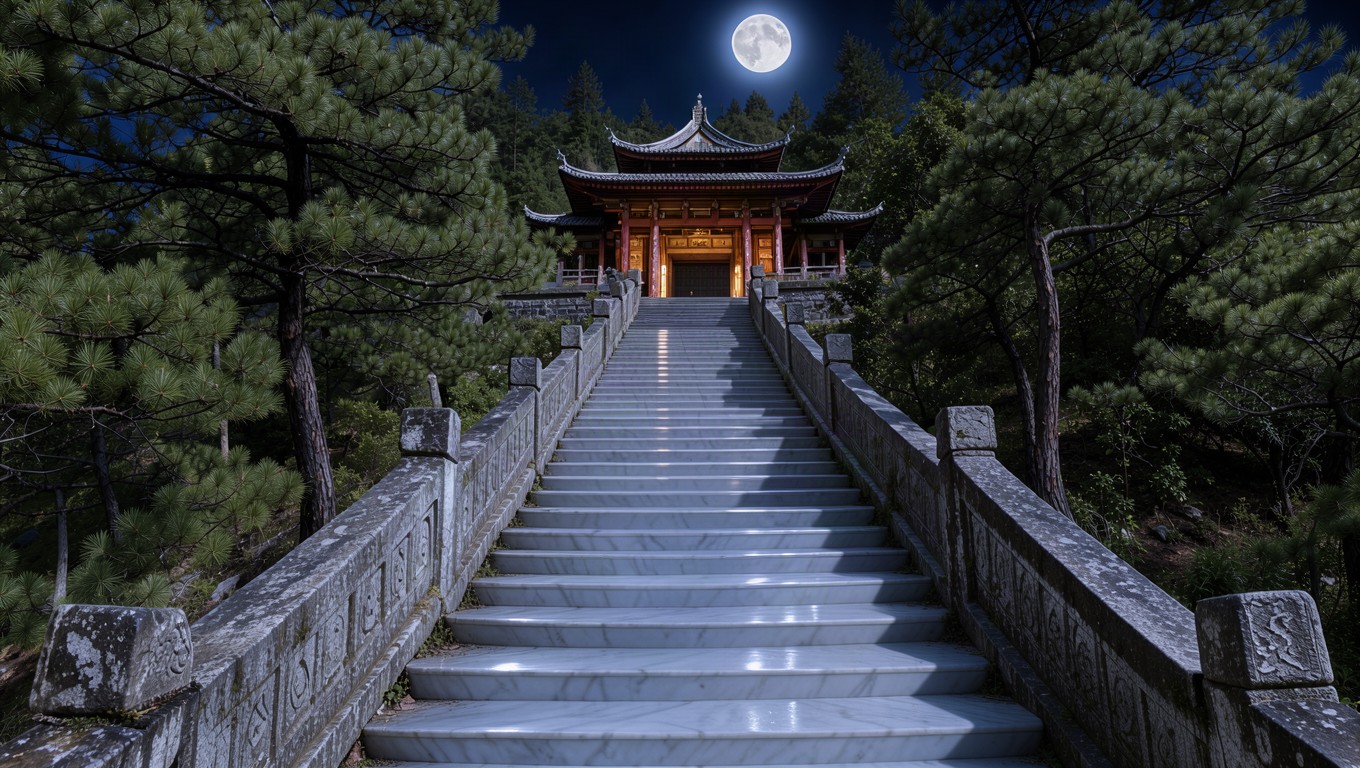
A moonlit scene

Image to Image

Reference

A moonlit scene · Reference 1

Output

A moonlit scene

Explore a new art direction for one scene: remove people, shift daylight to moonlight and change stone materials while requesting the same composition.

Prompt · 16:9 · 1K

Remove the people from the stairway, then relight the whole scene as a calm night lit only by a full moon: cool silver moonlight on the steps and roof tiles, soft blue shadows, warm lantern glow inside the pavilion, and turn the grey granite steps into smooth polished white marble. Keep the stairway, railings, pavilion, trees and camera angle unchanged.

One workspace, two ways to create

Generate new images from text

Product photographs, editorial scenes and original illustrations in nine aspect ratios, with 1K, 2K or 4K output.

  • Product concepts and clean studio compositions
  • Editorial environments and campaign mood imagery
  • Original illustrations in square, portrait or landscape formats

Edit with up to 10 reference images

Combine a product and its setting, adjust a scene or add text. Keep references in the order used by your editing prompt.

  • Product and background combinations from separate references
  • New lighting, materials and atmosphere for an existing scene
  • Headline treatments and targeted changes to existing artwork

Flux 3 questions

Which Flux 3 models are available?

Text to Image uses Flux 3 Klein Text to Image; Image to Image uses Flux 3 Klein Edit Image.

How many images can I generate?

Choose one to four images per request. Each image is billed at the selected resolution.

What happens when generation fails?

Confirmed failures return the corresponding credits. A temporary connection interruption does not cancel an accepted task; resume it or check history.

When should I turn off prompt enhancement?

Turn it off for exact wording, fixed compositions or edits where particular details must remain unchanged.

Does using an example spend credits?

No. Using an example loads its prompt, settings and any reference images without starting a generation. Credits are charged only when you submit a generation request.

Which reference images are supported?

Image to Image accepts 1 to 10 JPG, PNG or WebP images, up to 10MB per image. Multiple references can supply a product, a setting or other visual details for the edit.

Will an edit preserve every original detail?

Not necessarily. Generative editing can change faces, logos, lettering and small details. Describe what should stay, then review the output; pixel-exact preservation and exact text are not guaranteed.

Where can I find my finished images?

Finished images appear in the result area and your account history. Download a single PNG, or download all available outputs from a multi-image generation.

Turn your next idea into an image

A product concept, an editorial scene or a new direction for an existing image. Start with your own idea or adapt one of the examples.

Create with Flux 3