Nano Banana Generator
Fast and efficient AI image generation.
Quick image generation with optimized performance.
Workspace
Model
Prompt
Generated Images
Transform your images with AI-powered editing
Inspiration Gallery
Copy the prompts and use them as a starting point for your own creations.
A hyper-realistic magazine cover portrait of a fashionable woman in Tokyo neon lights, cinematic lighting, 8k resolution, photorealistic, shot on 35mm lens, high fidelity skin texture.
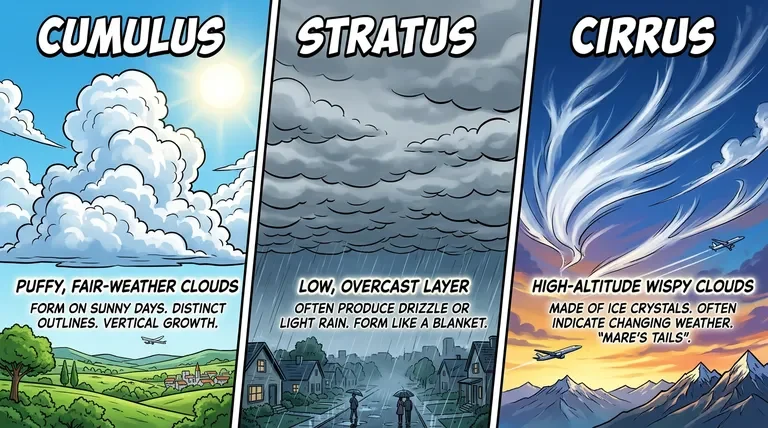
A glowing futuristic neon sign hanging on a brick wall, deep depth of field. The perfectly legible text on the sign says \"Midnight Banana\", surrounded by volumetric fog.
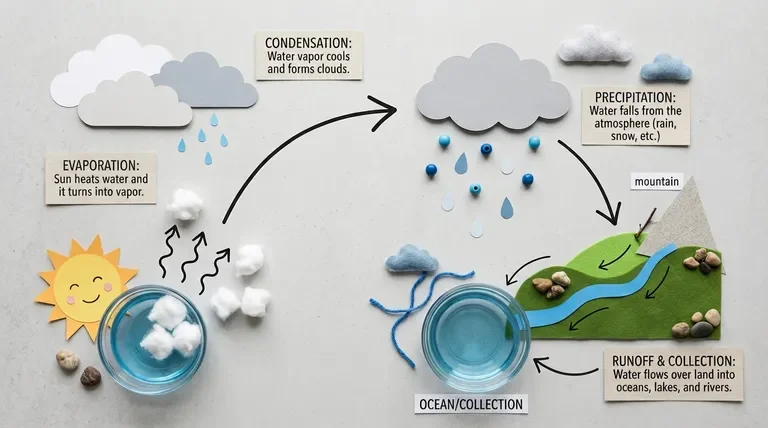
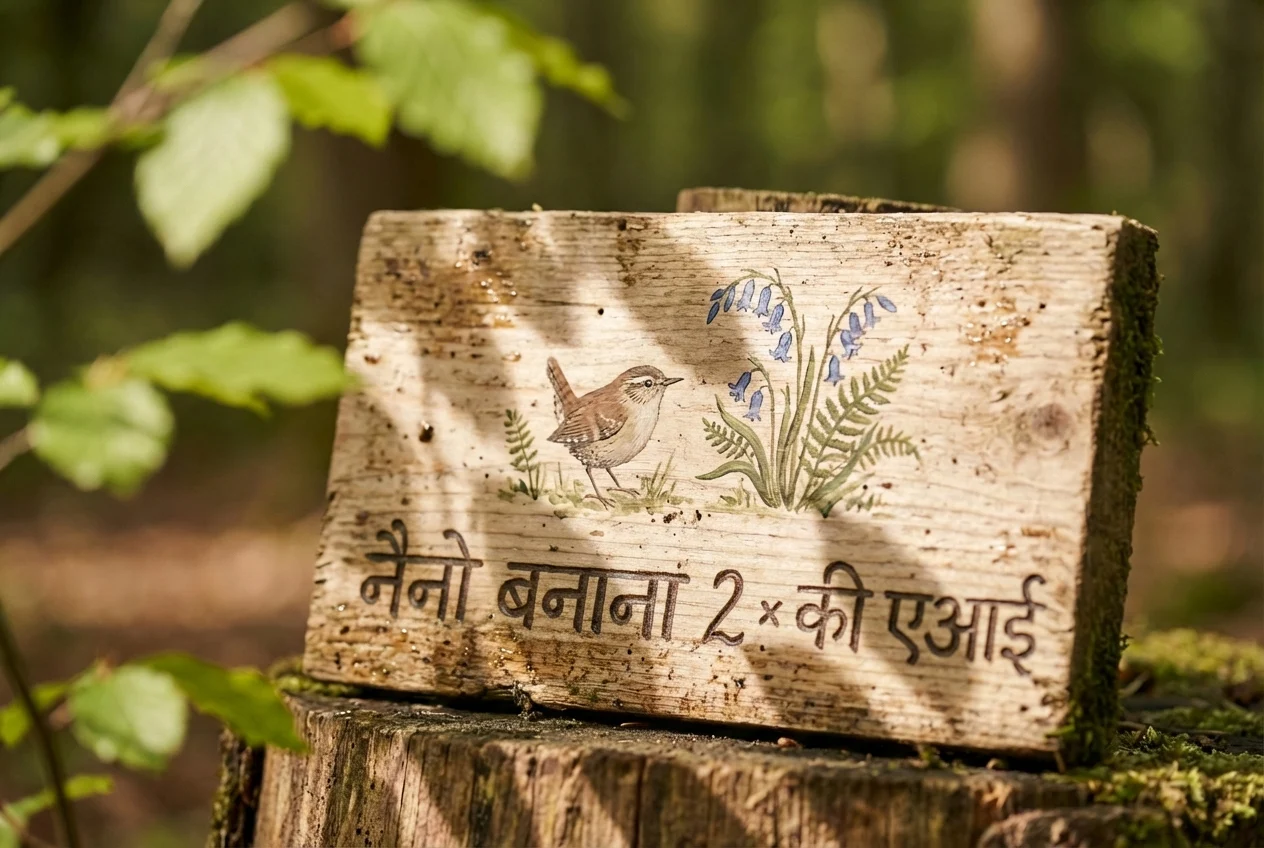
translation of all the text to Hindi. Professional commercial product photography, sharp focus, pure studio lighting.
Explore Nano Banana 2
Unlock the ultimate creative engine. From photorealism to perfect text integration, Nano Banana 2 redefines what's possible in AI imaging.
Perfect Text Rendering
Generate signs, posters, logos, and UI pages without garbled text. Nano Banana 2 understands language naturally, placing exactly the words you prompt with flawless typography.
Extreme Resolutions
Scale your vision. Render art natively up to 4K resolution safely and reliably. Great for desktop wallpapers, large physical prints, and cinematic wide-screen (21:9) assets.
Lightning Fast
Powered by Gemini 3.1 Flash Image architecture, generations are not just hyper-realistic—they're incredibly fast, letting you iterate on ideas seamlessly without waiting.
How to master Nano Banana 2
Be descriptive, be precise
Nano Banana 2 has deep instruction following. Explain the lighting, the camera angles, and the exact mood (Cinematic, 35mm lens, Golden hour). It will listen.
Use quotation marks for text
Want written text on a billboard? Use quotes in your prompt. Example: A neon sign vibrating with the exact phrase 'Cyberpunk 2077'.
Leverage Aspect Ratios
This model shines in extreme aspect ratios like 1:4 and 21:9. Use these for dramatic landscapes or creating mobile/desktop UI mockup layouts.
Frequently Asked Questions
What image formats are supported?
We support all common image formats including JPG, PNG, and WebP. For best results, we recommend using high-resolution images with good clarity.
How does transformation strength work?
The transformation strength controls how much the AI modifies your original image. At 0%, the image remains unchanged. At 100%, the AI has maximum freedom to transform the image based on your prompt. We recommend starting at 30-50% and adjusting based on your results.
Can I use the generated images commercially?
Yes, all images generated through our platform can be used for commercial purposes. You retain full rights to the images you create.
What is the best transformation strength to use?
The ideal transformation strength depends on your goal. For subtle enhancements like color correction or minor style adjustments, use 20-40%. For moderate transformations like changing artistic style while preserving composition, use 40-60%. For dramatic reimaginings, use 60-80%. We recommend experimenting to find what works best for your specific image and desired outcome.
How long does it take to generate an image?
Image generation typically takes 5-15 seconds depending on the complexity of your prompt and current server load. The transformation strength setting does not significantly affect generation time. You'll see a progress indicator while your image is being generated.