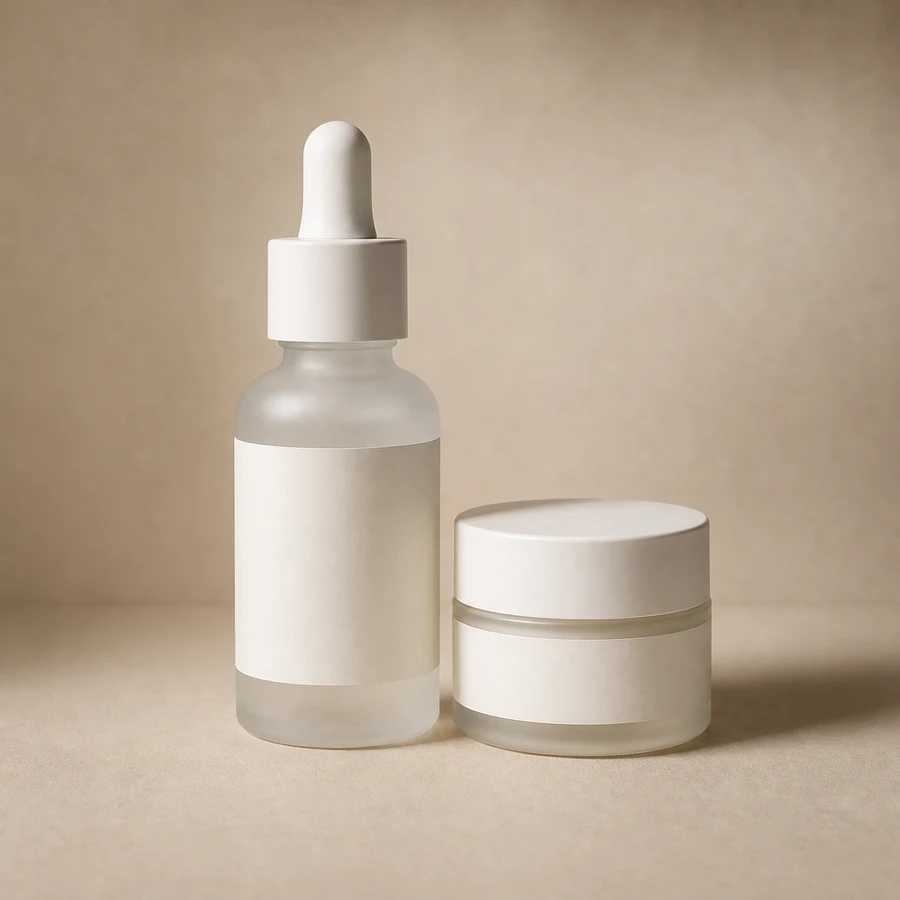
Image preview
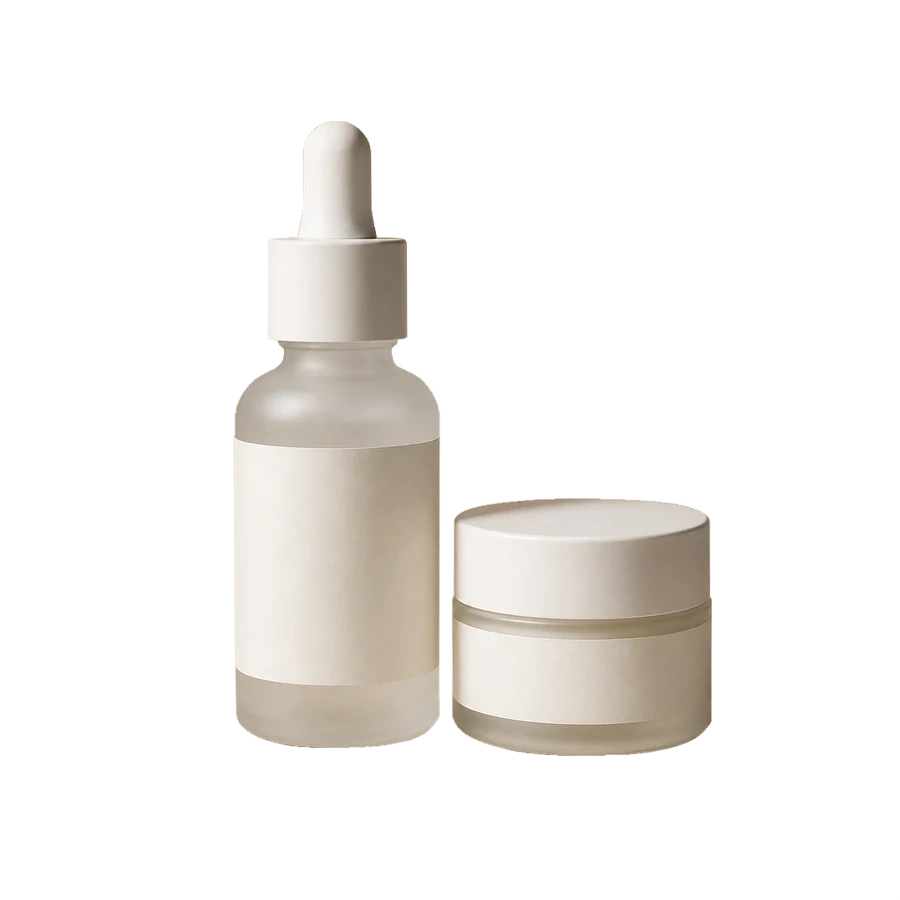
Transparent PNG
Product Cutout
Remove the surrounding studio background and keep a clean product cutout for catalog pages, marketplace listings, and ad layouts.
productecommercecatalogtransparent PNG
Transparent PNG output
Free Tools
Upload a product photo, portrait, logo, or object image and remove the background automatically. Get a clean transparent PNG you can download and reuse.
Use it when you need a fast cutout for commerce photos, portraits, logos, objects, or social assets. Clear images with a visible subject and good lighting usually produce the cleanest edges.
Use the background remover without a subscription
Designed for quick everyday image cleanup
JPG, PNG, and WebP images
Transparent-background image
Examples
Use it for commerce photos, portraits, logos, objects, and social assets when you need a clean subject cutout.
Product Cutout
Remove the surrounding studio background and keep a clean product cutout for catalog pages, marketplace listings, and ad layouts.


Portrait Cutout
Extract a person from the original scene and reuse the transparent portrait in thumbnails, presentations, profile graphics, or posters.
Features
Keep the workflow direct: upload, process, preview, download. No prompt writing or advanced editing controls are required.
The tool identifies the main subject and separates it from the background without manual masks or brush work.
Paste a public image URL when the image is already online, and the background removal task can start without another upload.
The result area uses a checkerboard surface so transparent backgrounds are visible before you download the PNG.
Download a PNG with a transparent background for product pages, profile graphics, thumbnails, and design layouts.
Workflow
A short flow for turning an ordinary photo into a transparent image asset.
FAQ
Important details about the free background remover.
Yes. ImageFX Background Remover is free to use for quick product, portrait, logo, and object cutouts.
It analyzes your image, finds the main subject, removes the surrounding background, and gives you a transparent PNG.
You can upload JPG, PNG, or WebP images up to 5MB. For best results, use clear, high-quality images.
You get a transparent PNG result that can be downloaded and used in product pages, posters, social graphics, design mockups, and presentations.
Yes. It works well for product photos, portraits, logos, objects, and many AI-generated images when the subject is clear.
Use clear images with a visible subject and enough contrast between the subject and background. Avoid very blurry, dark, or heavily cropped photos.