ローンチ記念 - 50% OFF
アップグレード

Flux 3 AI画像生成ツール

テキストから商品写真、イラストのシーン、キャンペーンビジュアルを制作。Flux 3 Kleinに参考画像を加えれば、新しい背景や光、タイポグラフィも検討できます。

Flux

モデル

Flux 3 Klein

1K

610/5000

アスペクト比
解像度
画像枚数
詳細設定

生成結果サンプルプレビュー

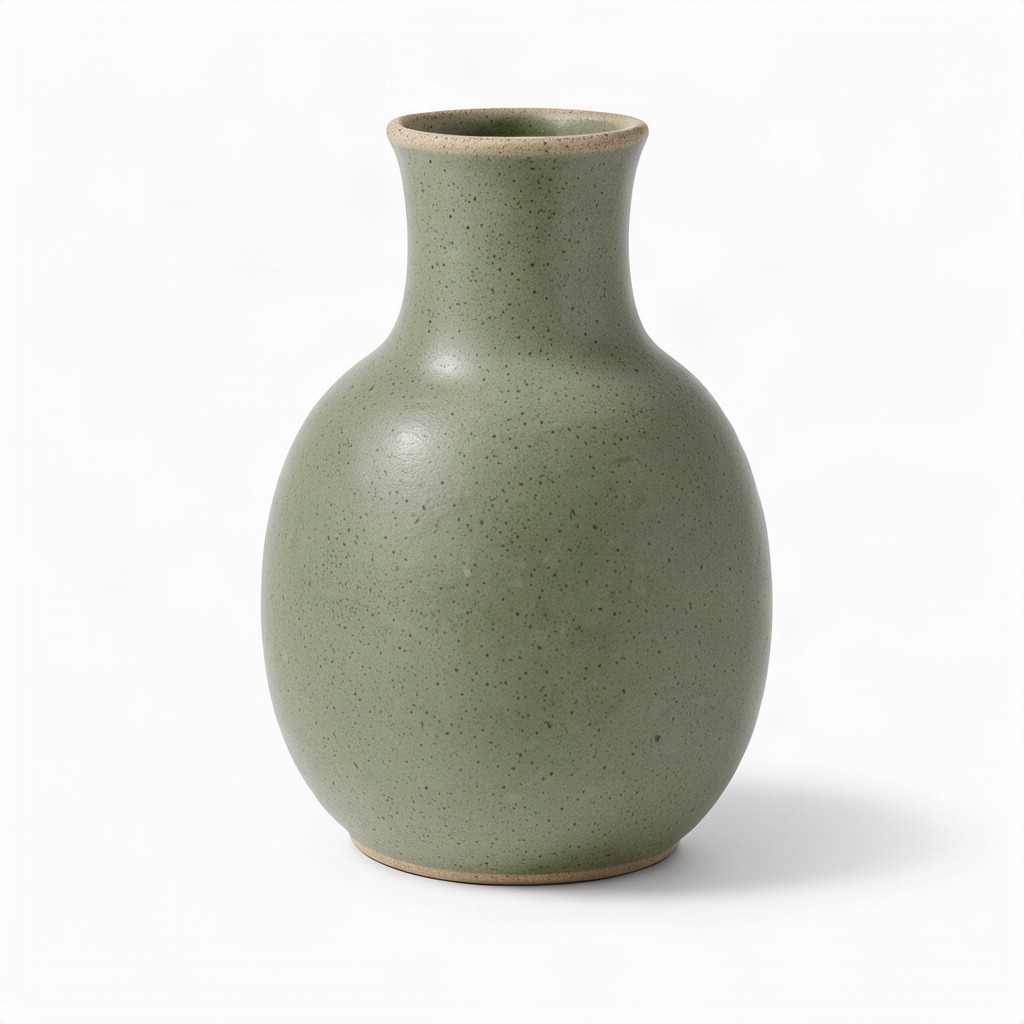
スタジオ商品写真

柔らかなスタジオ光、陶器の質感、商品を囲む余白を組み合わせた、EC向け商品写真のコンセプトです。

テキストから生成Flux 3の作例

Flux 3の作例

すっきりした商品写真からシーンの再構成まで。元のプロンプトと参考画像を含む、6つの制作例をご覧ください。

KIE公開サンプル

スタジオ商品写真

テキストから画像
スタジオ商品写真

柔らかなスタジオ光、陶器の質感、商品を囲む余白を組み合わせた、EC向け商品写真のコンセプトです。

プロンプト · 1:1 · 1K

A studio product photograph of a matte ceramic vase for an online store listing, centered and fully visible on a seamless pure white background. The vase has a rounded body that tapers into a slim neck, a soft sage-green glaze with a fine speckled texture, and a thin unglazed rim showing the pale clay underneath. Large softbox light from the upper left gives gentle highlights along the curve and reveals the matte surface, while a soft natural shadow falls beneath it. Clean e-commerce lighting, crisp focus from top to base, generous white space around the product. No text, logos, labels or other objects.
雨上がりのカフェのフィルム写真

テキストから画像
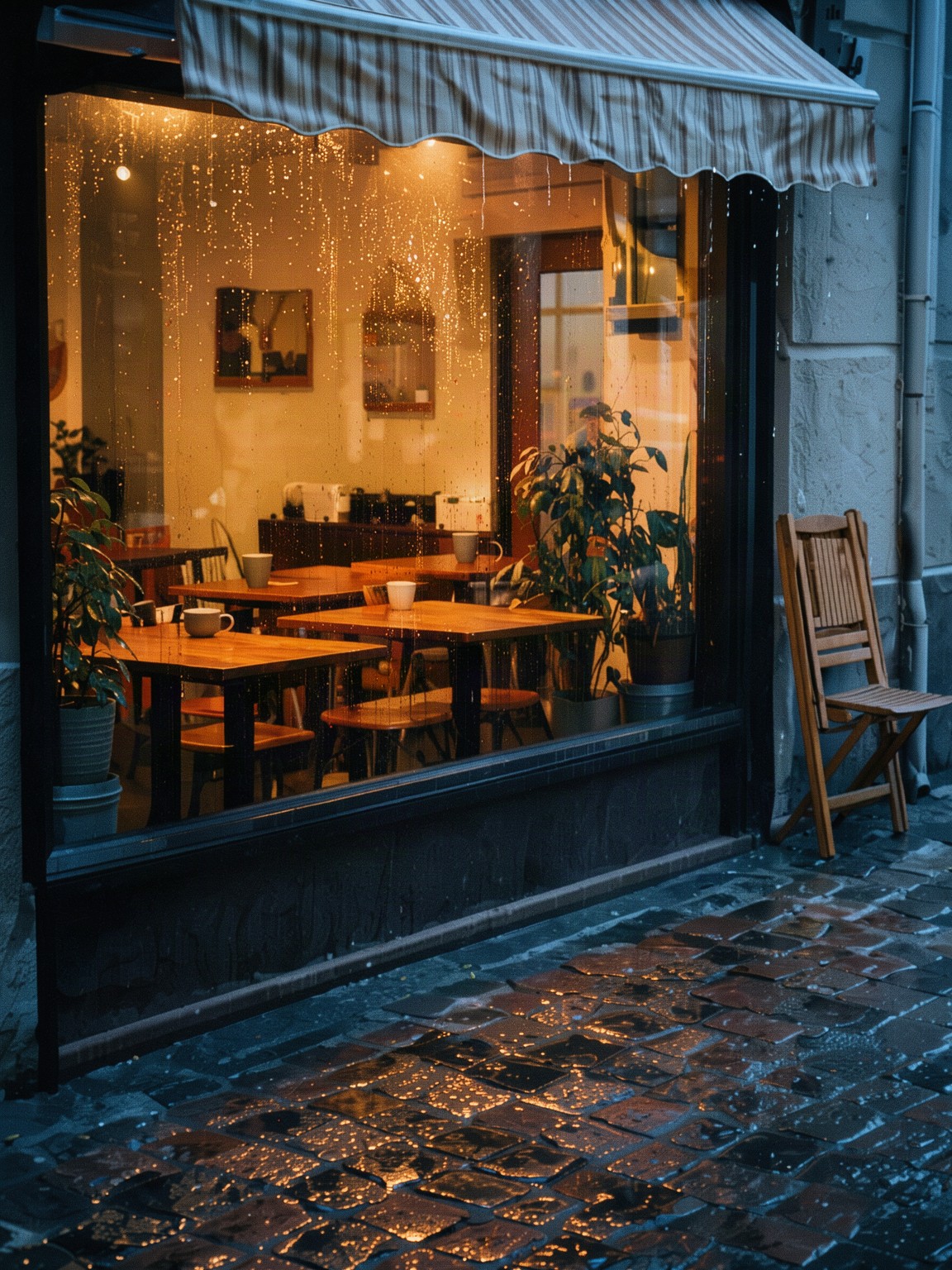
雨上がりのカフェのフィルム写真

雨の反射、暖かな窓明かり、フィルムの空気感で物語を伝える、縦型のエディトリアルシーンです。

プロンプト · 3:4 · 2K

A small corner cafe just after an evening rain shower, seen from across a quiet street. Warm light glows through the large front window, where empty wooden tables, a few ceramic cups and potted plants sit inside; raindrops still bead on the glass and the wet cobblestone pavement reflects the amber light and a pale blue dusk sky. A folded cafe chair leans against the wall beside a striped awning dripping water. Analog 35mm film photograph on warm color negative film, soft natural light, gentle film grain, slightly faded warm tones, muted greens, creamy highlights, honest documentary look, vertical frame. No people, no text, no signage, no lettering, no logos.

海辺の街のイラスト

テキストから画像
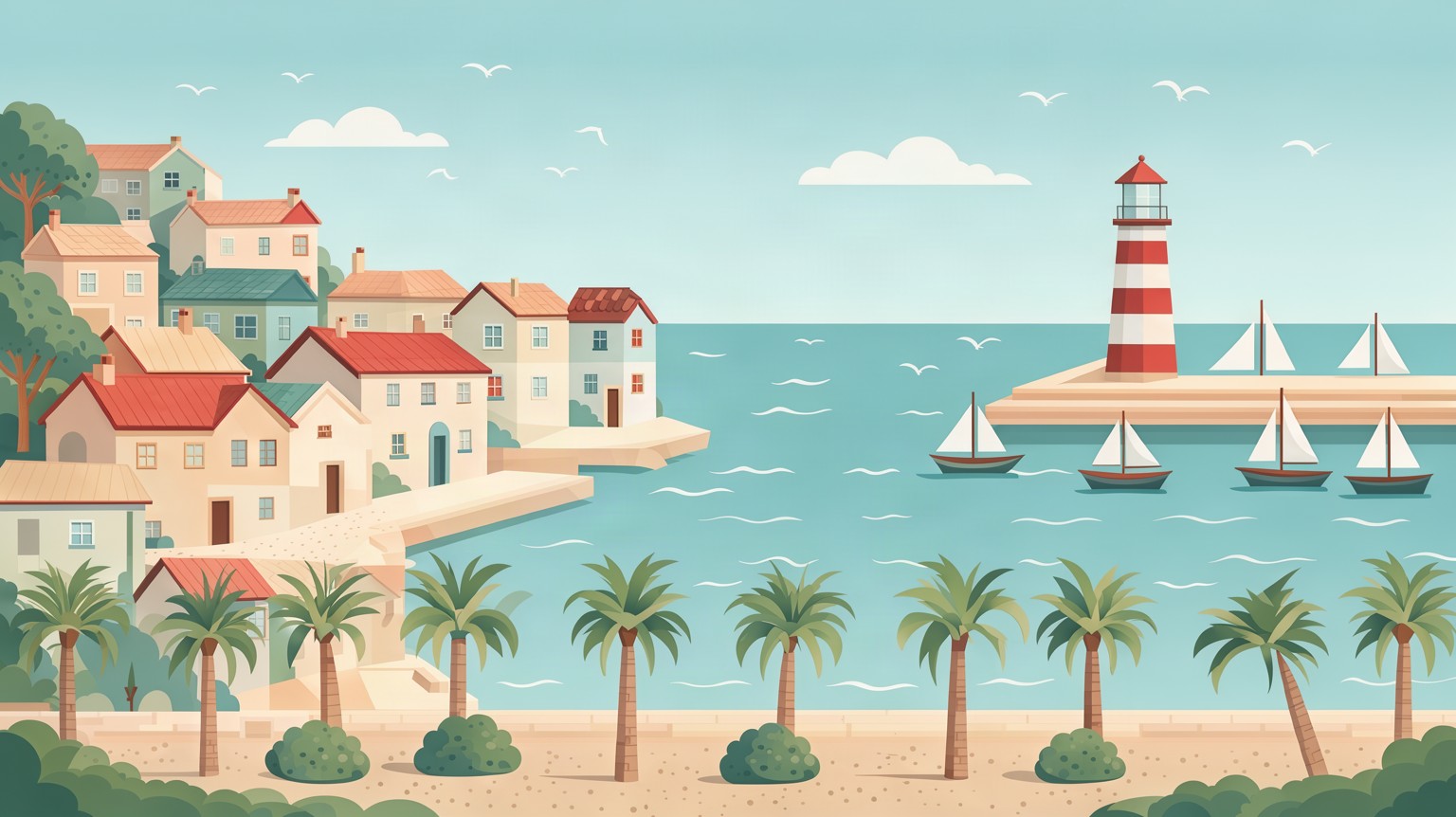
海辺の街のイラスト

バナー、旅行コンセプト、絵コンテに適した横長の海辺のイラスト。編集可能なベクターではなくPNGで出力されます。

プロンプト · 16:9 · 2K

Flat vector illustration of a small seaside town on a sunny afternoon, wide 16:9 composition built from clean geometric shapes and layered parallax planes. Pastel houses with tiled roofs climb a gentle hill on the left, a harbor with small sailboats and a red-and-white lighthouse sits on the right, and a waterfront promenade with palm trees and round bushes runs along the bottom. Calm turquoise sea with simple wave lines, a few rounded clouds in a soft blue sky, seagulls as tiny flat shapes. Muted, harmonious palette of teal, coral, sand and cream, soft ambient shading, no outlines. No people, no text, no lettering, no logos.

商品を新しい背景に

画像から画像

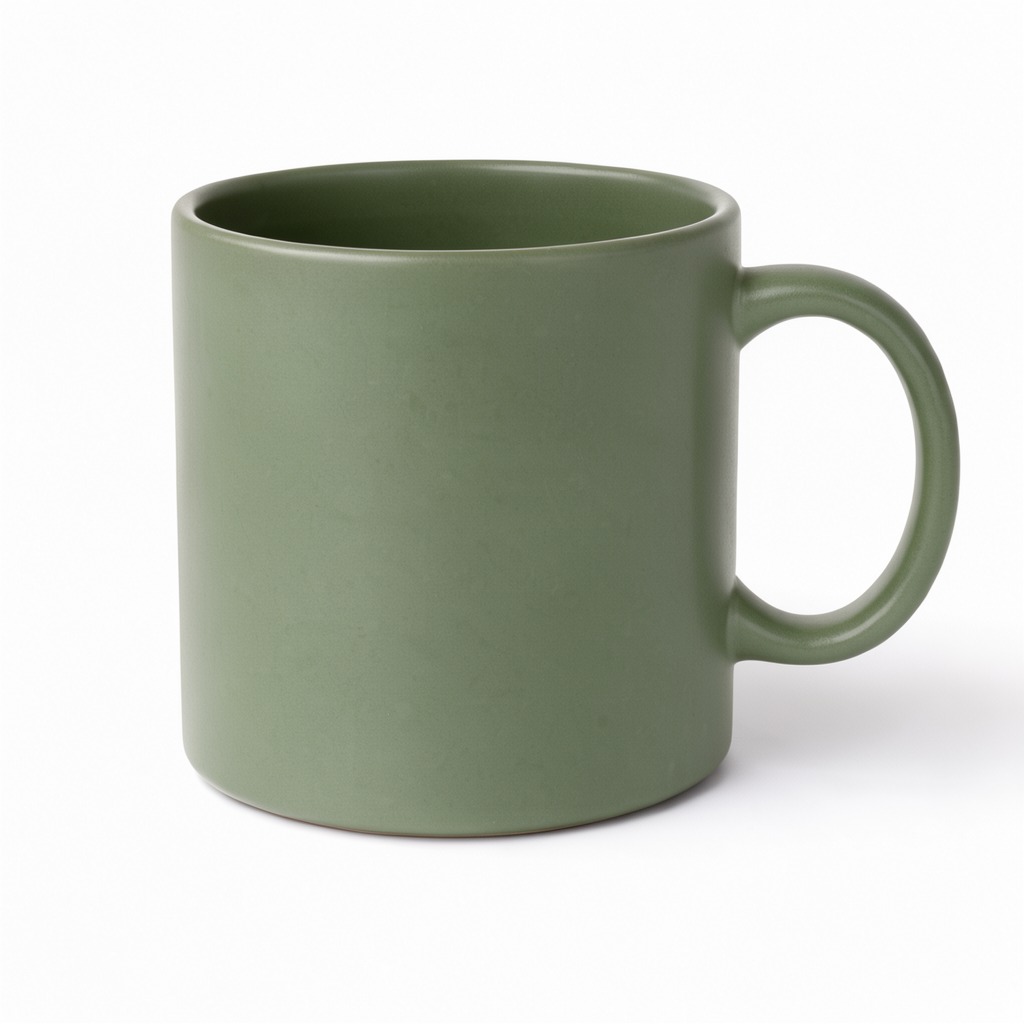
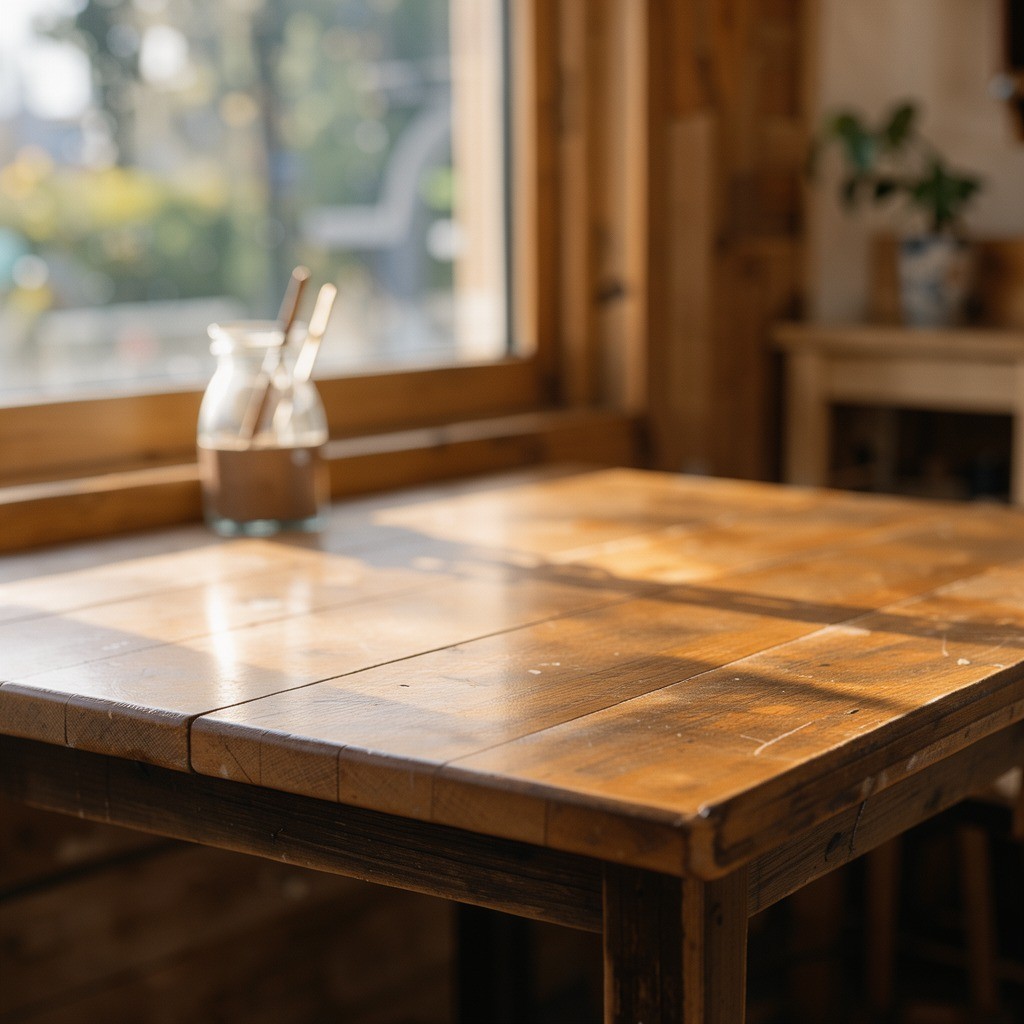
入力画像

商品を新しい背景に · 入力画像 1商品を新しい背景に · 入力画像 2

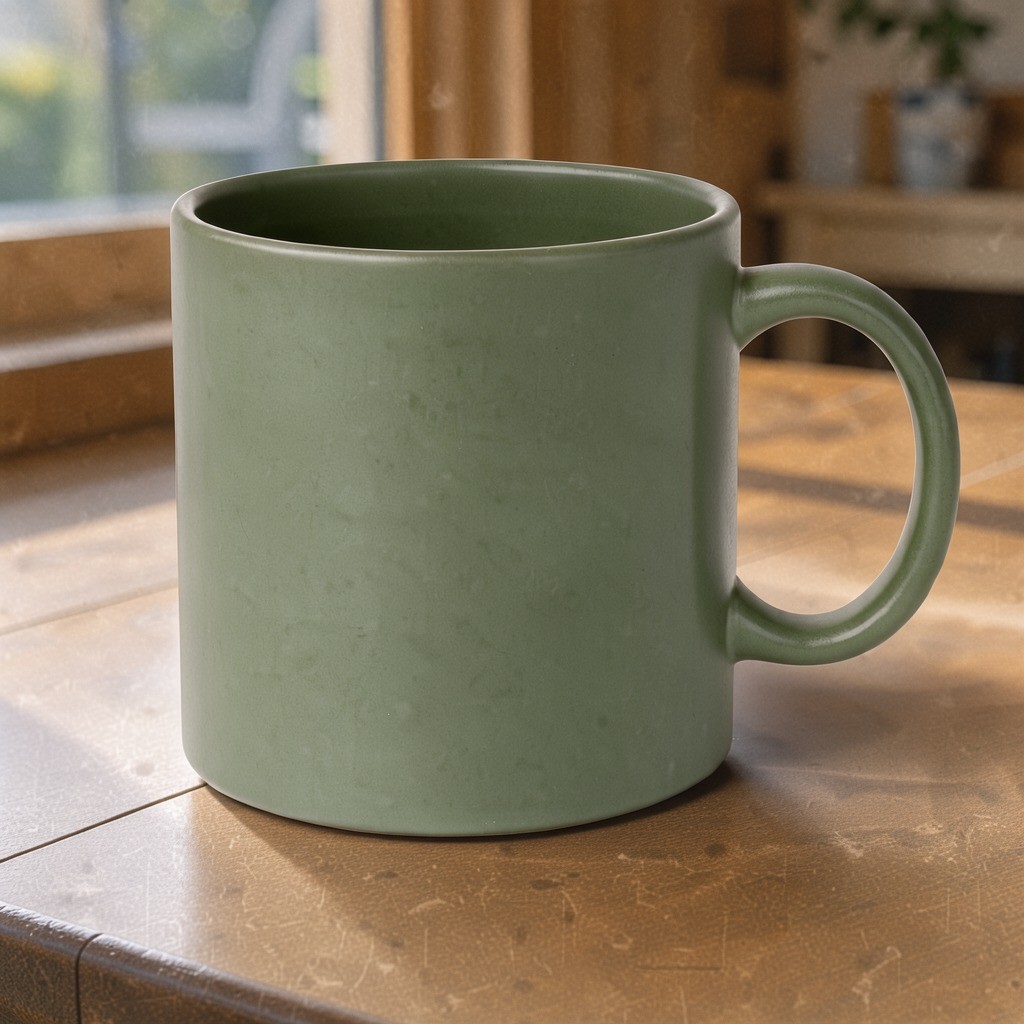
出力画像

商品を新しい背景に

商品の参考画像と別の背景を組み合わせ、マグカップを新しいテーブルに配置。朝の光と柔らかな影を合わせた例です。

プロンプト · 1:1 · 1K

Place the mug from the first image on the table from the second image, keep the mug's color and shape, match the morning light and add a soft shadow

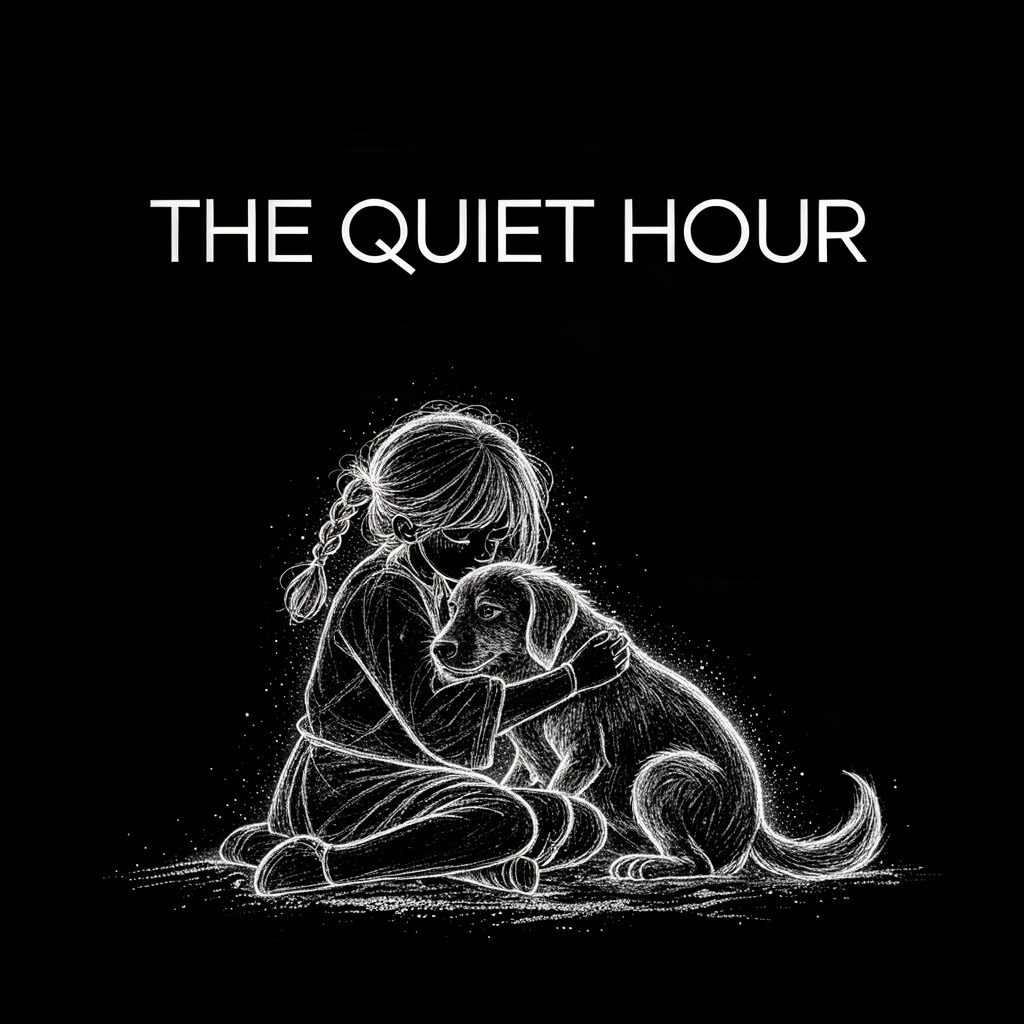
イラストにタイトルを追加

画像から画像

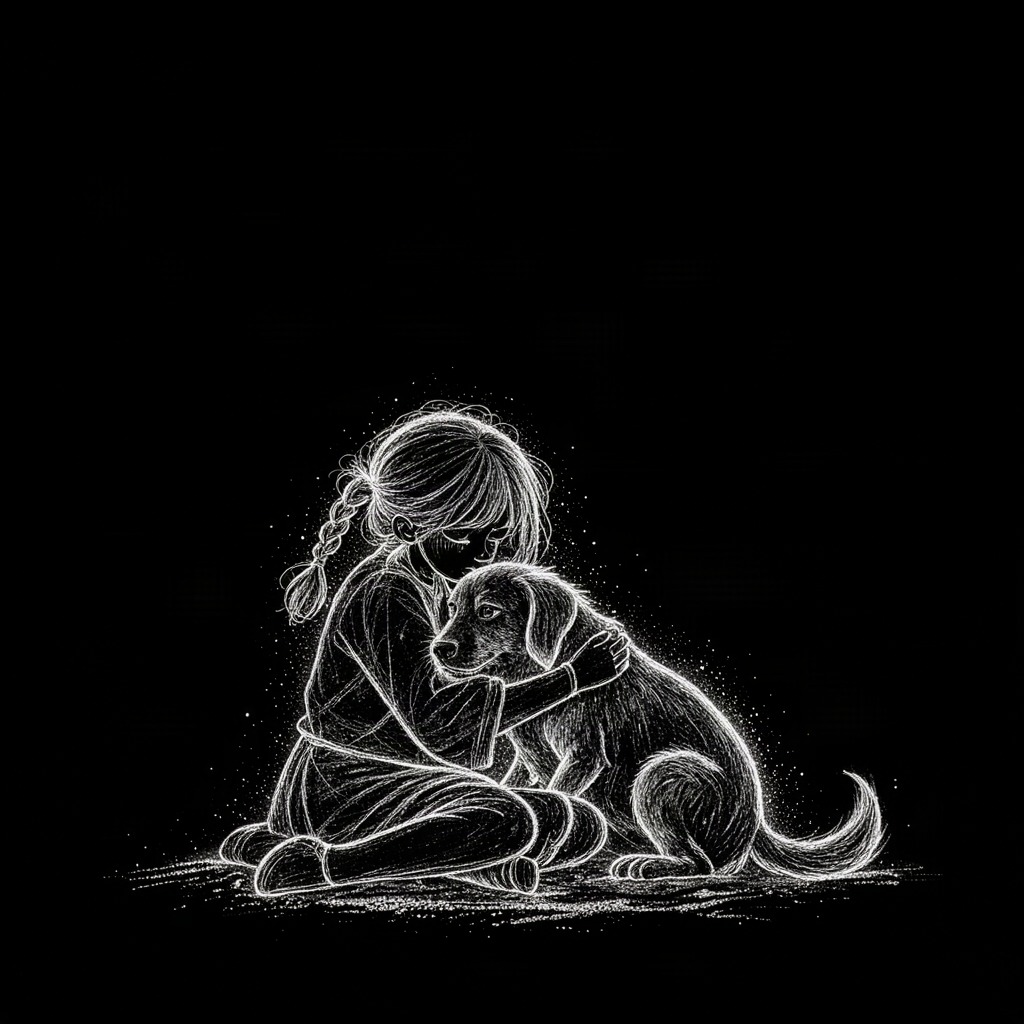
入力画像

イラストにタイトルを追加 · 入力画像 1

出力画像

イラストにタイトルを追加

既存のアートワークに見出しを加える制作例です。指定した文字が正しく生成されているか、公開前に確認してください。

プロンプト · 1:1 · 1K

Add the title "THE QUIET HOUR" at the top in clean white sans-serif, keep the artwork unchanged

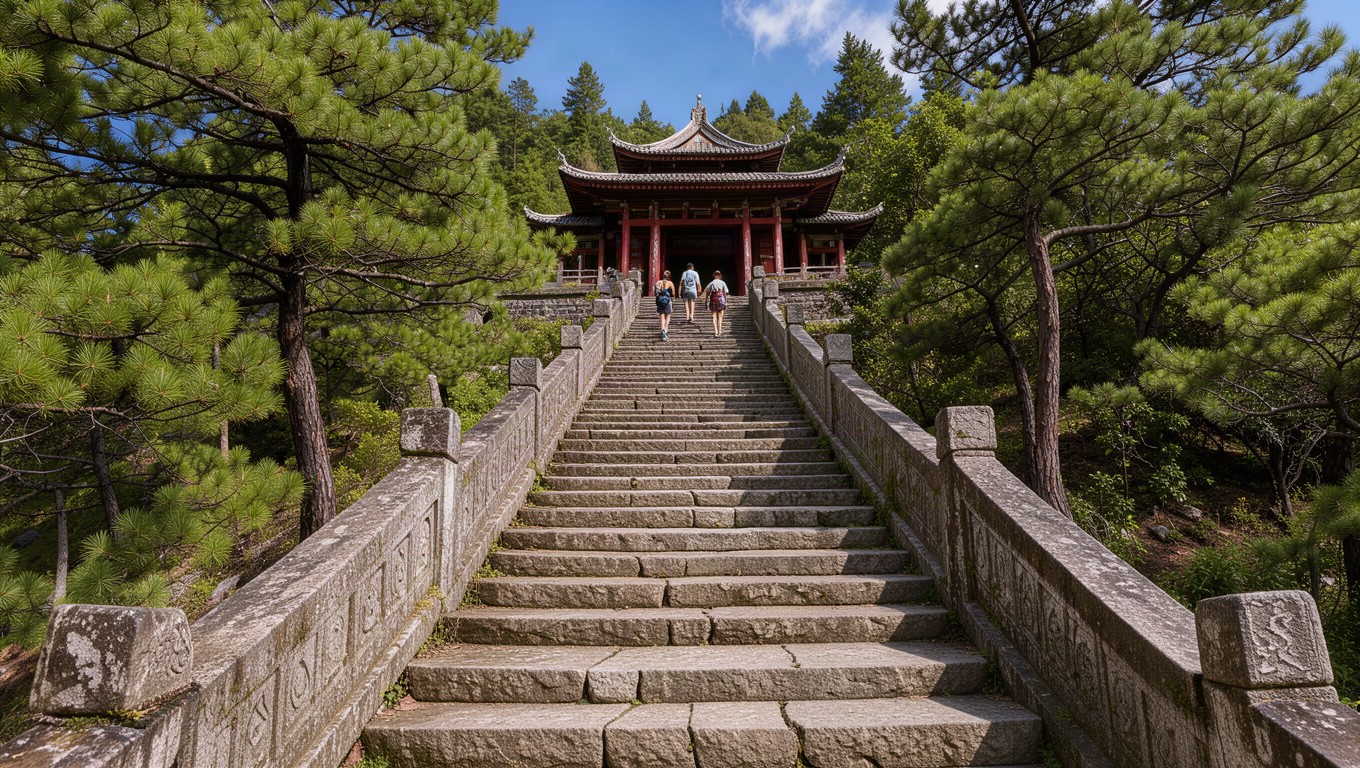
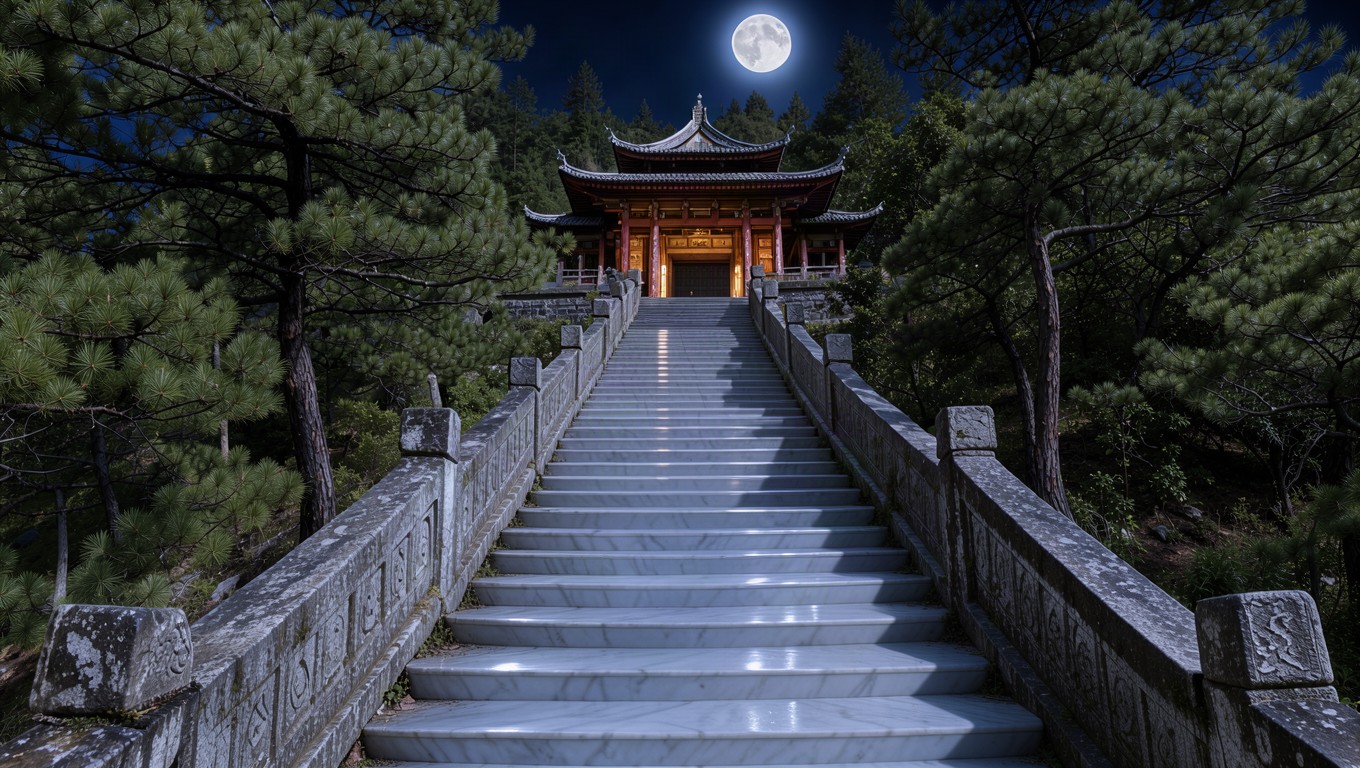
月明かりの場面に編集

画像から画像

入力画像

月明かりの場面に編集 · 入力画像 1

出力画像

月明かりの場面に編集

人物の削除、昼から月夜への変更、石材の変更を組み合わせた例。プロンプトでは元の構図を保つよう指定しています。

プロンプト · 16:9 · 1K

Remove the people from the stairway, then relight the whole scene as a calm night lit only by a full moon: cool silver moonlight on the steps and roof tiles, soft blue shadows, warm lantern glow inside the pavilion, and turn the grey granite steps into smooth polished white marble. Keep the stairway, railings, pavilion, trees and camera angle unchanged.

ひとつの作業画面、ふたつの制作方法

テキストから画像を生成

商品写真や場面、オリジナルイラストを9種類の比率と1K・2K・4Kで制作。

  • 商品コンセプトとシンプルなスタジオ構図
  • エディトリアルの背景やキャンペーンのムード画像
  • 正方形・縦長・横長のオリジナルイラスト

最大10枚の参照画像で編集

商品と背景の合成、場面の調整、文字の追加に対応。参照画像の順序は編集指示の番号と一致します。

  • 別々の参考画像から商品と背景を組み合わせ
  • 既存シーンの光、素材、雰囲気の変更
  • 既存アートワークの見出しや特定の内容の編集

Flux 3 よくある質問

どのモデルを使いますか?

文生図はFlux 3 Klein Text to Image、編集はFlux 3 Klein Edit Imageです。

一度に何枚生成できますか?

1〜4枚を選び、解像度に応じて画像ごとに課金されます。

生成に失敗した場合は?

確認済みの失敗には該当クレジットを返還します。接続中断だけではタスクはキャンセルされません。履歴を確認してください。

強化をオフにするのはいつ?

正確な文字、固定した構図や特定の細部を維持する編集ではオフにしてください。

制作例を使うとクレジットが消費されますか?

いいえ。制作例を使うとプロンプト、設定、参考画像が読み込まれるだけで、自動生成は始まりません。生成リクエストを送信した時点でクレジットが消費されます。

どの参考画像に対応していますか?

画像から画像ではJPG、PNG、WebPを1〜10枚、1枚あたり最大10MBまで使用できます。複数の画像から商品、背景、編集に必要な細部を参照できます。

編集後も元の画像の細部はすべて保たれますか?

必ずしもそうではありません。生成による編集では、顔、ロゴ、文字、細かな特徴が変わることがあります。残したい内容を明記し、結果を確認してください。ピクセル単位の一致や正確な文字は保証されません。

完成した画像はどこで確認できますか?

完成した画像は結果欄とアカウントの履歴に表示されます。PNGを個別にダウンロードでき、複数枚生成した場合は利用可能な結果をまとめてダウンロードできます。

次のアイデアを一枚の画像に

商品コンセプト、エディトリアルのシーン、既存画像の新しい方向性。自分のアイデアから、または制作例をアレンジして始めましょう。

Flux 3で制作する